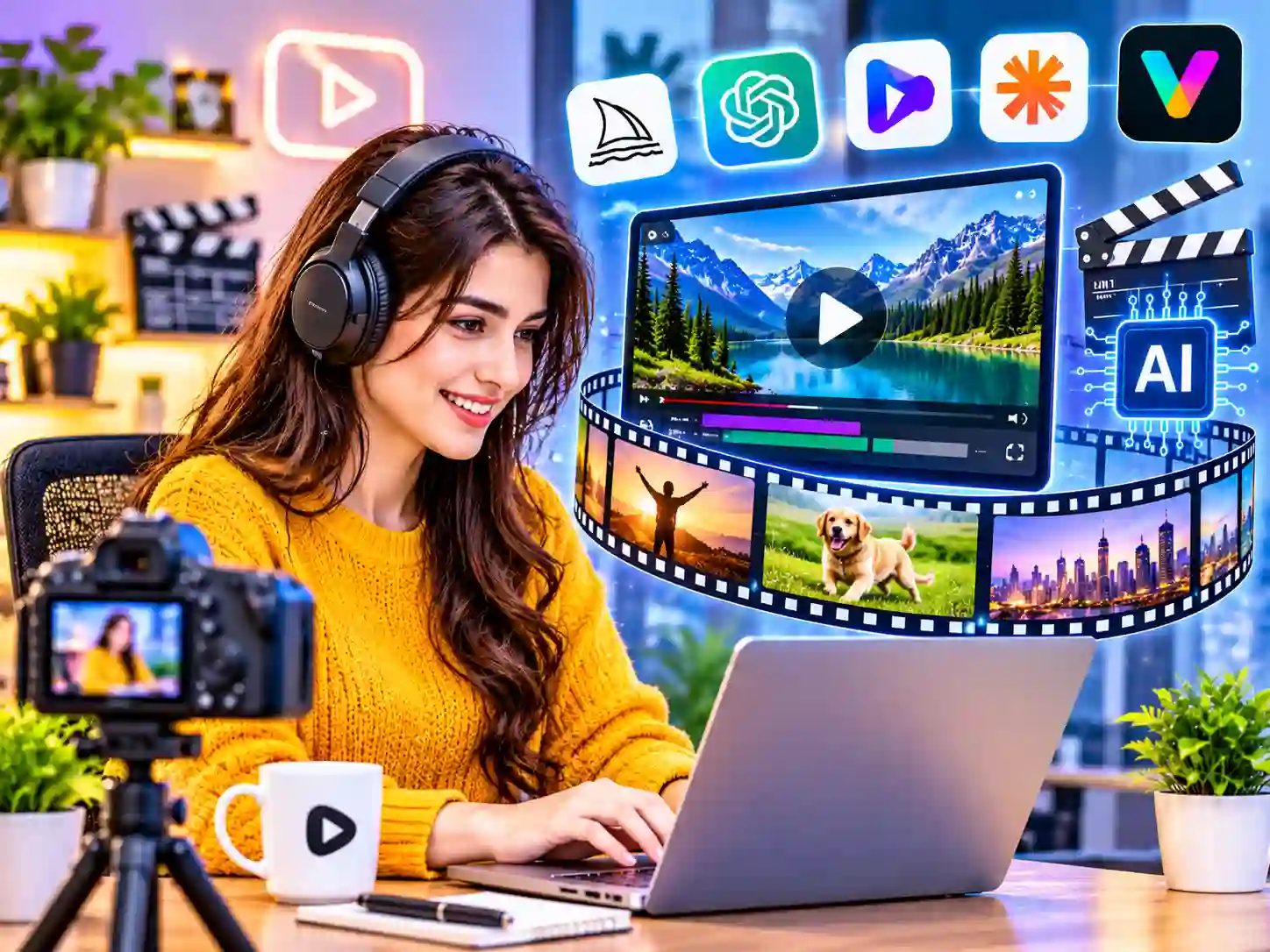
The market includes several different kinds of tools. Some generate cinematic footage from a prompt, while others animate still images, add effects, or create presenter-led videos from scripts. Choosing a tool based on your actual project is usually more useful than choosing one simply because it is popular.
This guide compares ten options by their intended use cases and workflow strengths. It is not a claim that every tool was independently tested under identical conditions. Features, availability and pricing can change, so check official product pages before purchasing.
Quick Comparison of AI Video Generators
| Tool | Best For | Video Workflow | Consider Before Choosing |
|---|---|---|---|
| Runway | Creative production and video editing | Prompt-to-video and editing workflows | Credits and model access |
| Google Veo | Realistic scenes and generated audio | Text and image-based video generation, depending on access | Availability and usage limits |
| Kling AI | Motion-focused video creation | Text-to-video and image-to-video | Credits, access and output consistency |
| Adobe Firefly | Creative and Adobe-centered workflows | Video generation and editing features | Plan, credits and licensing terms |
| Pika | Short creative clips and effects | AI video generation and visual transformations | Generation limits and available effects |
| Luma | Cinematic concepts and visual storytelling | Video generation and creative iteration | Model availability and plan limits |
| Synthesia | Training and presenter-led videos | Script-to-avatar video | Avatar, language and export restrictions |
| HeyGen | Marketing and localized presenter videos | AI presenters and video translation | Credits, consent and plan features |
| InVideo AI | Script-based content production | Script-to-video and editing workflow | Stock media and export limits |
| CapCut | Social media video editing | Editing, captions, templates and AI features | Regional availability and paid features |
Note about availability: A tool's presence in this comparison does not mean every feature is available to every user. Plans, regional access, generation credits and export options may differ.
1. Runway — Best for Creative Video Production
Runway is a strong option to investigate if you need more than a single generated clip. Its platform brings together video generation and creative tools, making it relevant to filmmakers, creative teams, advertisers and content producers.
What it is useful for
- Developing visual concepts and cinematic shots
- Generating footage from text or image references
- Experimenting with camera movement and scene composition
- Refining footage within a broader creative workflow
Potential limitation: Higher-end generation can consume credits quickly. Check the current model, resolution, clip-length limits and plan allowances before estimating costs.
2. Google Veo — Best for Realistic Video and Audio
Google's Veo models are designed for AI video generation. Depending on the version and interface, supported workflows may include generating video from text or images and producing synchronized audio.
What it is useful for
- Realistic scenes and cinematic concepts
- Short promotional and storytelling clips
- Visual experimentation with movement and camera direction
- Projects where generated sound is an important consideration
Potential limitation: Access to particular Veo models can depend on Google's product, account, region and plan. Confirm the available generation features before building a production workflow around them.
3. Kling AI — Best for Motion-Focused Clips
Kling AI is worth exploring when movement and visual continuity are central to your project. It supports video-generation workflows, including text-to-video and image-to-video options where available.
What it is useful for
- Animating still images
- Creating short visual narratives
- Experimenting with character and object movement
- Developing footage for creative projects and social content
Potential limitation: Complex actions and continuity can still produce errors. Review the generated footage carefully, particularly when a person's appearance, object placement, or physical movement must remain consistent.
4. Adobe Firefly — Best for Adobe Creative Workflows
Adobe Firefly is relevant to designers and creative professionals who want AI-assisted video tools alongside other design and editing products. It can help with visual exploration and production tasks, depending on the features available to your account.
What it is useful for
- Creating short visual concepts
- Exploring alternative shots and creative directions
- Integrating AI-assisted content into design workflows
- Supporting marketing and creative production
Potential limitation: Credits, output specifications and features depend on the product and plan. Review the terms for the particular model and feature you use; do not assume every third-party model has identical licensing.
5. Pika — Best for Short Creative Clips and Effects
Pika focuses on approachable AI video creation and visual transformations. It is worth considering when you want to experiment with short clips, stylized effects, or unusual visual ideas without assembling a complex production pipeline.
What it is useful for
- Short social media clips
- Creative effects and transformations
- Visual experiments and concept videos
- Quick iterations on an idea
Potential limitation: Some effects and generation options may be restricted by credits or plan. Check whether the resulting clip has the resolution, duration and quality your project needs.
6. Luma — Best for Cinematic Concepts
Luma offers AI tools for generating and working with visual content. It can be useful for creators who want to explore cinematic movement, develop visual concepts, or turn an image into a moving scene.
What it is useful for
- Short cinematic concepts
- Image-to-video experimentation
- Visual storytelling and scene development
- Creative exploration before filming or animation
Potential limitation: Output consistency and available controls vary by model. Review the current product details and terms before using generated content in client work.
7. Synthesia — Best for Training and Presenter Videos
Synthesia is designed for videos featuring AI presenters. Instead of generating a cinematic scene, you can create structured presenter-led content from a script. This approach can be useful for organizations that produce explainers, onboarding materials, and internal training videos.
What it is useful for
- Employee training and onboarding
- Educational explainers
- Business presentations
- Repeatable scripted communication
Potential limitation: Avatar selection, video duration, languages, downloads and branding options may depend on the plan. Use authorized avatars and obtain appropriate consent when a real person's likeness or voice is involved.
8. HeyGen — Best for Marketing and Localized Videos
HeyGen focuses on AI presenter videos and related workflows, including video translation features where supported. It can be helpful for teams that need to adapt scripted content for different audiences or produce presenter-style marketing videos.
What it is useful for
- Marketing and product explainers
- Presenter-led social content
- Localizing videos for different language audiences
- Creating scripted business communications
Potential limitation: Translation quality, lip synchronization and pronunciation should be reviewed by a person fluent in the target language. Confirm plan limits and obtain permission before using another person's likeness.
9. InVideo AI — Best for Script-Based Videos
InVideo AI is an option for creators who prefer starting with a topic or script and developing it into a video-editing workflow. Depending on the product and plan, the process may combine generated narration, visual assets and editable scenes.
What it is useful for
- Explainer and educational videos
- Marketing content drafts
- Script-led social media content
- Developing an initial video from a written brief
Potential limitation: Review the accuracy of generated scripts, stock footage, voiceovers and citations. Check export restrictions, watermarks and media licensing before publishing.
10. CapCut — Best for Social Media Editing
CapCut is primarily a video-editing platform with AI-assisted features. It is especially relevant to creators who need to assemble footage, edit short-form videos, add captions and prepare content for social platforms.
What it is useful for
- Short-form social videos
- Captions and text overlays
- Editing clips into a finished sequence
- Applying templates and supported AI effects
Potential limitation: Not every feature is available in every region or plan. Check the licensing terms for music, templates and other included assets before using them in commercial projects.
What Happened to OpenAI Sora?
If you have seen older lists recommending Sora, be aware that OpenAI discontinued its Sora web and app experiences on April 26, 2026. Its official help information also announced that the Sora API was scheduled to be discontinued on September 24, 2026. It should therefore not be treated as a currently available consumer video-generation option.
For the latest details about the shutdown and data export, consult the official notice rather than older reviews.
How to Choose the Right AI Video Tool
Start by deciding what type of video you need. A cinematic scene, a presenter explaining a product and a vertical social clip require different features. Once you know your goal, compare a few tools with the same brief.
Choose according to your project
- Cinematic generation and editing: Explore Runway.
- Realistic scenes and generated audio: Investigate the available Google Veo workflow.
- Motion-focused generation: Try Kling AI.
- Adobe-centered creative work: Consider Adobe Firefly.
- Short creative effects: Explore Pika.
- Presenter-led training videos: Compare Synthesia and HeyGen.
- Script-based video drafts: Consider InVideo AI.
- Social video editing: Explore CapCut.
Compare these six factors
- Visual quality: Does the result match the style, realism and resolution you need?
- Motion and consistency: Do people, objects and backgrounds remain coherent throughout the clip?
- Audio: Do you need synchronized dialogue, sound effects, narration, or a separate audio workflow?
- Editing control: Can you change a shot, adjust the timing, or refine the result without starting over?
- Total cost: Compare usable output per month, not just the advertised subscription price.
- Rights and privacy: Check commercial-use terms, data handling and consent requirements.
How to Write Better AI Video Prompts
A useful video prompt describes more than the subject. It should explain what happens, how the camera moves, how the scene is lit, and what visual style you want. Keep the action clear and avoid asking for too many unrelated events in a short clip.
Example text-to-video prompt
Create a cinematic, realistic 8-second video of a small sailboat moving slowly across a calm mountain lake at sunrise. Gentle ripples move across the water. The camera glides forward at a steady pace from a low angle. Soft golden light reflects on the lake, distant mountains remain visible through light morning mist, and the scene feels peaceful and natural. Maintain consistent boat shape and lighting throughout. No text, logos, or watermark.
Example image-to-video prompt
Animate the supplied landscape image with subtle, realistic movement. Let the clouds drift slowly, the nearby grass move gently in the breeze and the camera make a smooth forward push. Preserve the original composition, colors, buildings and landscape. Avoid adding new objects or changing the scene.
Generate a short draft first. Review motion, subject consistency, camera movement and unwanted artifacts before spending more credits on longer or higher-resolution outputs.
Are AI Video Generators Free?
Some services offer free access, trials, or limited credits. Others require a subscription or charge based on usage. Free access may include watermarks, slower queues, shorter clips, restricted resolution, or fewer editing controls.
Before paying, estimate how many usable seconds of video you need. A subscription with a low headline price may still be expensive if each successful clip consumes many credits and several attempts are needed to get a suitable result.
Can You Use AI-Generated Videos Commercially?
Commercial use depends on the provider's terms, the model, your plan and the materials used in the video. Download availability alone does not guarantee that every clip is cleared for advertising, client work, or resale.
Before publishing a commercial video:
- Read the current licensing terms for the specific tool and model.
- Check the rights for music, stock footage, fonts and other included assets.
- Obtain permission when using a real person's likeness or voice.
- Review generated facts, captions, translations and spoken dialogue.
- Check whether disclosures are required by law or by the platform where you publish.
This article provides general information and is not legal advice. For important commercial projects, obtain professional advice when necessary.
Frequently Asked Questions
What is the best AI video generator overall?
There is no single winner for every project. Runway is worth exploring for creative production, Google Veo for supported video-and-audio workflows and Kling for motion-focused generation. Presenter tools such as Synthesia serve a different purpose. Test the tools against your own requirements.
Which AI video generator is best for beginners?
The best starting point is a tool whose interface matches your goal. For simple editing, try CapCut. For script-based video creation, explore InVideo AI. For presenter-led training, compare Synthesia and HeyGen. Available features vary by plan.
Can AI turn an image into a video?
Yes. Several tools offer image-to-video workflows that animate a still image. Results depend on the source image, prompt, model, and movement requested. Review the output for unintended changes.
Can AI video generators create voice and sound?
Some models support generated audio, while other workflows require separate narration, sound effects, or editing. Check the current features of the specific model rather than assuming every tool supports native audio.
Are AI-generated videos suitable for YouTube?
They can be part of a YouTube workflow, but quality, originality, licensing and platform rules still matter. Review the final video, use appropriate rights-cleared assets and follow any applicable disclosure requirements.
How long does AI-generated video take?
Generation time depends on the service, model, queue, resolution, clip length and current demand. Leave time for retries and editing rather than assuming every generation will be usable.
Final Verdict
AI video generation is useful for speeding up creative experimentation, but the best choice depends on your workflow. Explore Runway for creative production, Veo for supported video-and-audio generation, Kling for motion-focused clips and Adobe Firefly for Adobe-centered creative work. For presenter-led content, compare Synthesia and HeyGen; for social editing, consider CapCut.
Test your chosen tools with a realistic project, compare the quality of the finished output and calculate the cost of usable footage. Always verify current pricing, features, availability, privacy policies and commercial-use terms directly with the provider.