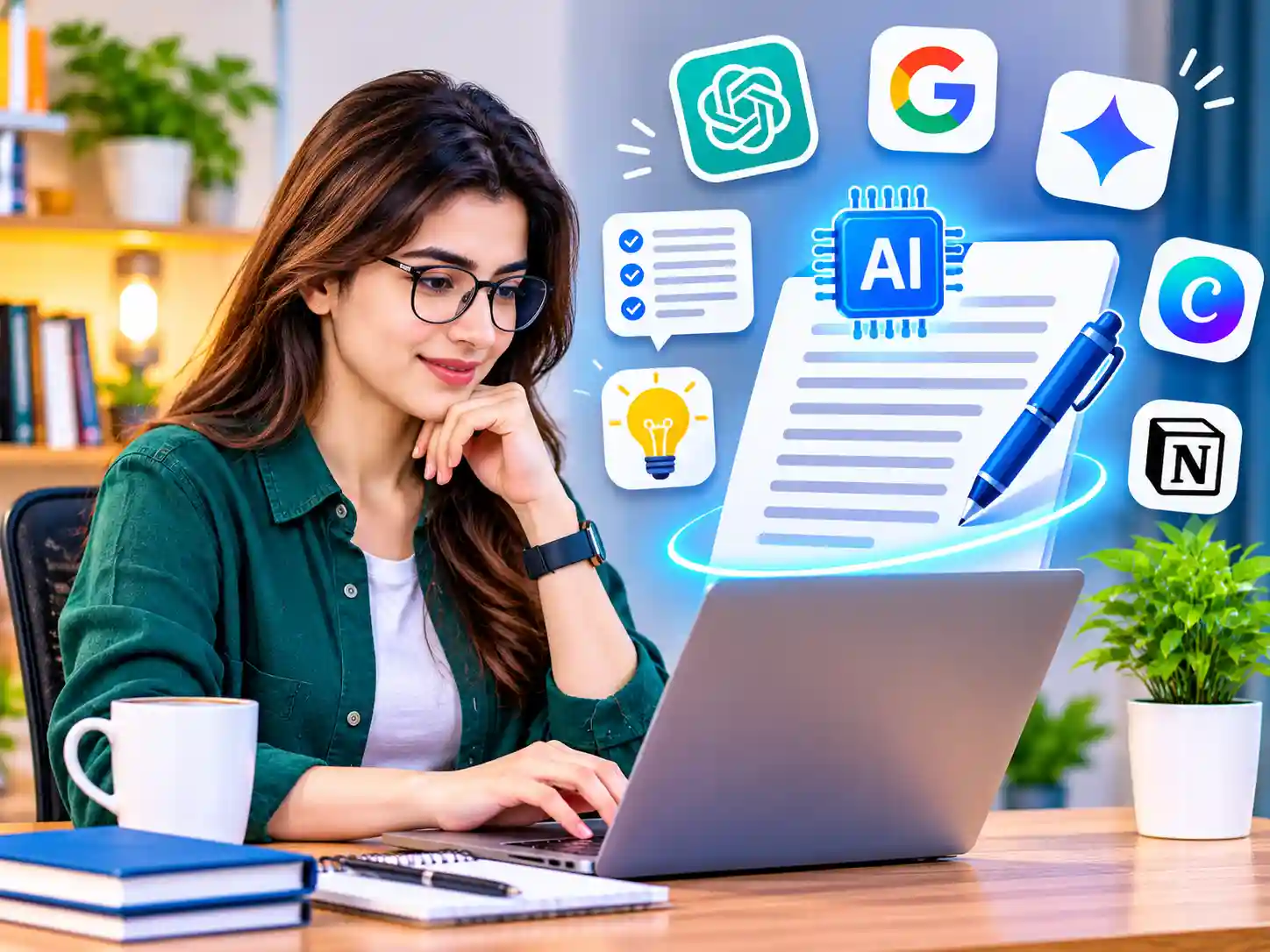

Whether you are a designer, blogger, student, marketer, small business owner, or hobbyist, an AI image generator can make visual creation more accessible. Instead of starting with a blank canvas, you can describe a subject, style, setting, lighting and composition to create a starting point for your project.
In this guide, we compare ten popular options by their main strengths and practical use cases. This is a use-case-based editorial guide, not a claim that every tool has been independently benchmarked against every other tool.
Quick Comparison: Best AI Image Generators
| Tool | Best For | Access | Main Consideration |
|---|---|---|---|
| ChatGPT Images | General-purpose images and conversational editing | Free and paid access options | Usage limits depend on your plan |
| Midjourney | Artistic, cinematic and stylized visuals | Paid subscriptions | Check plan limits and privacy options |
| Adobe Firefly | Creative production and Adobe workflows | Limited free access and paid plans | Credits and terms vary by feature |
| Google Gemini | Image creation within Google's AI workflow | Free and paid options may be available | Features and limits vary by account and region |
| Ideogram | Posters and text-heavy graphics | Free and paid options | Review privacy settings and text accuracy |
| Leonardo.Ai | Concept art and creative assets | Free and paid options | Credits and features vary by plan |
| Canva | Social posts, presentations and designs | Free and paid plans | AI allowances depend on the plan |
| Microsoft Designer | Quick visual designs and social graphics | Availability and limits may vary | Microsoft account and feature requirements may apply |
| Recraft | Brand graphics, icons and vector-style assets | Free and paid options | Check export formats and usage rights |
| Stable Diffusion | Customization and flexible workflows | Varies by interface, host and model | Setup and licensing can require more research |
Important: Free access does not necessarily mean unlimited generations or unrestricted commercial use. Plans, credits, model availability and licensing terms can change. Check each provider's official website before relying on a feature or paying for a subscription.
1. ChatGPT Images — Best for General-Purpose Creation
ChatGPT Images is a convenient option for people who prefer describing an idea in ordinary language instead of learning a complex design interface. You can request a new image, refine details through follow-up instructions, or upload an existing image and describe the changes you want.
What it is useful for
- Blog illustrations and featured images
- Creative concepts and visual brainstorming
- Marketing ideas, posters and social content
- Editing or adapting an existing image
Potential limitation: Generation availability, output limits and some features can vary by account or plan. Generated text and fine visual details should always be reviewed.
2. Midjourney — Best for Artistic and Cinematic Images
Midjourney is known for its art-focused image generation and distinctive visual styles. It is worth exploring when you want atmospheric scenes, imaginative environments, concept art, or polished visual inspiration.
What it is useful for
- Fantasy and science-fiction artwork
- Concept art and mood boards
- Cinematic scenes and stylized landscapes
- Creative exploration for visual projects
Potential limitation: Midjourney is subscription based. Review its current plan details, privacy settings and commercial terms before using generated work in a business project.
3. Adobe Firefly — Best for Adobe Creative Workflows
Adobe Firefly combines image generation with creative editing workflows. It is particularly relevant to people who already use Adobe products and want to move from an AI-generated concept into a more complete design or photo-editing process.
What it is useful for
- Visual concepts for marketing campaigns
- Creating and editing image variations
- Design workflows involving Adobe tools
- Exploring visual styles before final production
Potential limitation: Generative credits, model access and available features depend on the product and plan. Do not assume every model accessible through a creative platform has identical licensing or protection terms.
4. Google Gemini — Best for Google's AI Ecosystem
Google Gemini can be useful for people who want image generation and editing as part of a broader conversational AI workflow. Depending on the available model and account, you may be able to describe a scene, iterate on an image, or use generated visuals alongside other AI-assisted tasks.
What it is useful for
- Quick visual brainstorming
- Illustrations and scene concepts
- Iterative image creation and editing
- Workflows already centered on Google services
Potential limitation: Image features, generation limits and access can differ by region, account and subscription. Verify what is available to you before planning a large project.
5. Ideogram — Best for Text in Images
Many image generators struggle with exact lettering, especially when a design contains several words or specific text placement. Ideogram is worth testing for posters, title graphics, advertising concepts and other designs where text is part of the visual.
What it is useful for
- Poster and headline concepts
- Promotional graphics
- Typography-focused compositions
- Social media visual concepts
Potential limitation: Always proofread generated lettering. If a design needs exact brand text, legal wording, or production-ready typography, finish it in a suitable editor. Check privacy settings before uploading confidential material.
6. Leonardo.Ai — Best for Concept Art and Creative Assets
Leonardo.Ai offers a creator-focused environment for developing visual ideas and exploring different styles. It can be useful when you need several related assets or want to experiment with a specific aesthetic before settling on a final direction.
What it is useful for
- Game and character concepts
- Fantasy artwork and environments
- Visual asset exploration
- Style variations for creative projects
Potential limitation: Available models, credits, privacy controls and output rights can vary. Read the terms that apply to your account and the particular model you use.
7. Canva — Best for Social Media and Everyday Design
Canva is a practical choice for people who want to combine visual creation with a ready-made design workflow. Rather than stopping at an image, you can place visuals into layouts for social posts, presentations, flyers and other content.
What it is useful for
- Social media posts and thumbnails
- Presentations and promotional materials
- Simple marketing designs
- Combining images with editable text and layouts
Potential limitation: AI usage allowances and some design features depend on the plan. Review the licensing conditions for the elements and assets included in a final design.
8. Microsoft Designer — Best for Quick Visual Designs
Microsoft Designer is an option for users who want help creating visual content without building a design from scratch. It can support quick creative experiments and simple promotional concepts.
What it is useful for
- Simple social graphics
- Visual ideas for personal projects
- Quick design variations
- Everyday creative tasks
Potential limitation: Features, availability and usage limits may change. Check current Microsoft account requirements and the terms for your intended use.
9. Recraft — Best for Brand Graphics and Vector-Style Art
Recraft is worth considering for design-oriented work such as icons, illustrations and brand visual concepts. Its focus on design assets can make it a useful alternative when you need more than a painterly or photorealistic image.
What it is useful for
- Icon and illustration concepts
- Branding exploration
- Graphic design assets
- Vector-style visual experiments
Potential limitation: Check which export formats, editing tools and commercial rights are included in your chosen plan. A generated concept may still need professional refinement.
10. Stable Diffusion — Best for Customization
Stable Diffusion refers to a family of image-generation models used through different interfaces and workflows. Depending on the implementation, users can have more control over settings, models, integrations and local or hosted generation.
What it is useful for
- Custom image-generation workflows
- Experimenting with models and styles
- Developer and technical projects
- Workflows requiring more control over configuration
Potential limitation: Setup can be more technical than a simple online generator. Licensing depends on the specific model and version, so check its license and hosting terms before using outputs commercially.
How to Choose the Right AI Image Generator
Instead of choosing a tool only because it is popular, start with the output you actually need. A tool that excels at artistic landscapes may not be the best fit for a poster containing exact words or a brand illustration that needs a specific format.
Choose based on your goal
- Everyday image creation: Start with ChatGPT Images or Gemini.
- Artistic and cinematic visuals: Explore Midjourney.
- Adobe-centered creative work: Consider Adobe Firefly.
- Images containing lettering: Test Ideogram and proofread the result.
- Social posts and presentations: Consider Canva or Microsoft Designer.
- Concept art and creative assets: Explore Leonardo.Ai.
- Brand graphics and vector-style assets: Try Recraft.
- Advanced customization: Research the Stable Diffusion ecosystem.
Compare these five things before paying
- Output quality: Test the tool with a prompt similar to your real project rather than relying on promotional examples.
- Editing controls: Check whether you can refine the image without rebuilding the entire composition.
- Usage limits: Understand credits, generation limits, queues and any restrictions on output size.
- Privacy: Review how uploads and generated content may be stored, shared, or used.
- Commercial rights: Read the current terms before using images in paid advertising, client work, or products for sale.
How to Write Better AI Image Prompts
A clear prompt usually produces a more useful starting point than a short, vague description. Include the subject, setting, visual style, lighting, composition and intended use. Add constraints when a specific result matters.
Example prompt
Create a professional editorial photograph of a modern home office with a laptop, notebook and green plant on a clean desk. Soft natural window light, neutral colors, realistic materials, balanced composition, uncluttered background and generous negative space on the right for a headline. Wide landscape format. No logos, watermarks, or decorative text.
Treat the first result as a draft. If something is wrong, give focused feedback such as “make the background simpler,” “move the subject to the left,” or “use softer lighting.” For text-heavy designs, add the exact wording and check every character in the final output.
Are AI Image Generators Free?
Some providers offer free access, trials, or a limited number of generations. Others require a subscription or charge according to credits or usage. A free tier may have lower limits, slower generation, fewer editing features, or different privacy options.
Before subscribing, test the free access if available and estimate how many usable images you need each month. Also distinguish a consumer subscription from API pricing: they may have separate billing and usage rules.
Can You Use AI-Generated Images Commercially?
Commercial use depends on the provider's terms, the specific model, your subscription and the content you generate. Do not assume that an image is automatically cleared for every business purpose just because a tool lets you download it.
Before publishing or selling an image:
- Review the current commercial-use terms and any plan restrictions.
- Avoid using protected logos or characters without permission.
- Be careful when generating recognizable people or likenesses.
- Check whether the image needs a disclosure under applicable rules or platform policies.
- Keep records of your prompts, edits and relevant license information for important projects.
This article is general informational guidance, not legal advice. If an image is central to a valuable commercial project, consider getting appropriate professional advice.
Frequently Asked Questions
Which AI image generator is best overall?
There is no single best option for every task. ChatGPT Images is a convenient starting point for conversational creation and editing, while Midjourney, Firefly, Ideogram and other tools have different strengths. Test your own use case before deciding.
Which AI image generator is best for beginners?
Start with a tool whose interface feels comfortable and lets you refine results using plain language or simple design controls. ChatGPT Images, Gemini and Canva are reasonable places to begin, depending on the task and available account features.
Can AI tools generate realistic photos?
Many can produce photorealistic-looking images, but details can still be inaccurate. Inspect faces, hands, objects, text, shadows, and other important elements before publishing the result.
Can I use AI-generated images on my blog?
Usually this depends on the provider's terms and the content. Check the relevant license, avoid misleading imagery and use accurate alt text that describes what the image actually shows.
Do AI image generators replace professional designers?
They can speed up ideation and production, but they do not remove the need for visual judgment, brand consistency, accessibility, accurate text and careful review. Many projects still benefit from human design and editing.
Final Verdict
The best AI image generator is the one that fits your creative workflow, skill level and budget. Begin with a specific task, test a few tools using comparable prompts and evaluate the finished results instead of relying only on marketing claims.
For general-purpose creation, try ChatGPT Images or Gemini. For artistic exploration, consider Midjourney. For design-focused work, explore Adobe Firefly, Canva, Ideogram, or Recraft. If you want greater technical control, research Stable Diffusion and its available implementations.
Remember to verify current features, pricing, privacy settings, and commercial-use terms on official provider websites before making a long-term commitment.