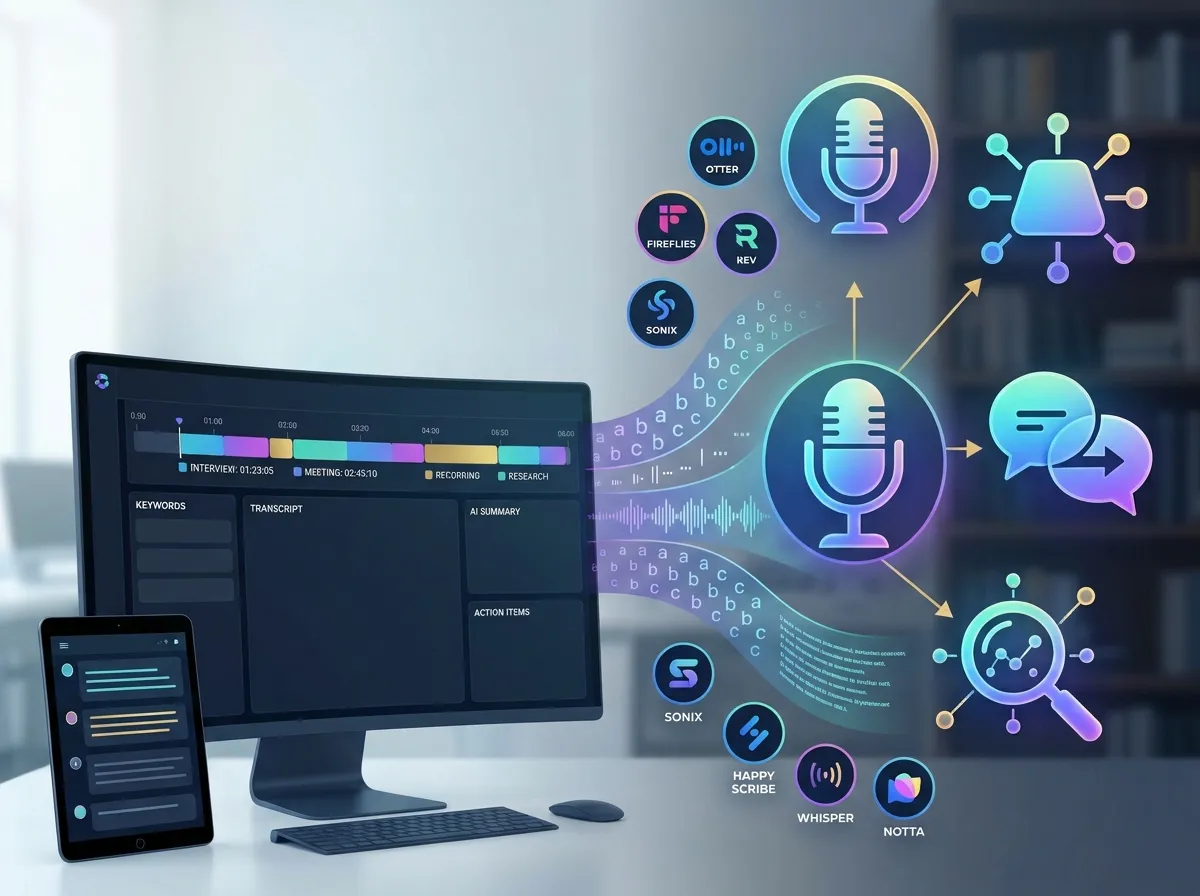
Transcription can save time when you need to review interviews, document meetings, create captions, or turn spoken ideas into written content. However, not every tool is designed for the same task. A meeting assistant may focus on action items, while a media editor may connect every word to its original audio or video.
This is a feature-based comparison, not a claim that every product was independently tested. Accuracy, supported languages, free-plan allowances, and pricing can change. Check each provider's official website before making a decision.
Quick comparison: Best AI transcription tools
| Tool | Best for | Main strengths |
|---|---|---|
| Otter.ai | Live meetings | Transcripts, speaker labels, summaries |
| Fireflies.ai | Team meeting records | Searchable conversations, integrations, notes |
| Descript | Podcast and video editing | Transcript-based media editing |
| Rev | AI and human transcription | Automated transcripts and human review options |
| Notta | Multilingual meetings | Audio transcription and meeting notes |
| Sonix | Audio and video files | Transcript editing, subtitles, language tools |
| Happy Scribe | Transcription and subtitles | AI transcription and human proofreading options |
| Fathom | Meeting summaries | Meeting recording, transcripts, highlights |
| TurboScribe | Long recordings | Uploaded audio and video transcription |
| OpenAI speech-to-text | Developers and custom workflows | Speech-to-text API and model integration |
What is AI transcription software?
AI transcription software uses speech recognition to convert spoken audio into text. Depending on the product, it can also identify speakers, add timestamps, generate summaries, extract action items, or create subtitle files.
Three common workflows are worth distinguishing:
- Live transcription: Converts speech into text during a meeting, lecture, or conversation.
- File transcription: Processes an existing audio or video recording and returns a transcript.
- Human-reviewed transcription: Uses a human transcriber or reviewer to check the text, which may be useful when errors have significant consequences.
10 best AI transcription tools
1. Otter.ai — Best for live meeting transcription
Otter.ai focuses on meeting transcription and searchable conversation records. Depending on your plan and setup, it can help capture discussions, identify speakers, summarize key points, and organize meeting information.
This can be useful for remote teams, students, consultants, and professionals who need to revisit what was discussed instead of relying entirely on handwritten notes.
Best for: Live meetings and searchable meeting notes.
Consider: Check supported languages, monthly transcription limits, file-import allowances, and meeting integration requirements. Obtain appropriate consent before recording a conversation.
2. Fireflies.ai — Best for team meeting records
Fireflies.ai is designed to record and transcribe meetings, organize conversations, and make discussions searchable. It can also help teams review summaries and connect meeting information to other work applications, depending on available integrations.
Sales teams, recruiters, project managers, and consultants may find a shared conversation library useful when following up on decisions or action items.
Best for: Teams that need searchable meeting history and collaboration features.
Consider: Review integration permissions, storage limits, data-retention settings, and how the meeting assistant joins calls.
3. Descript — Best for podcast and video creators
Descript combines transcription with audio and video editing. Its transcript-based workflow allows creators to work with spoken content as text and connect edits to the original recording.
This can be convenient for editing podcast interviews, producing tutorials, preparing captions, and finding specific moments in a long recording.
Best for: Creators who need to transcribe and edit media in the same workflow.
Consider: If you only need a plain text transcript, a simpler file-transcription tool may be easier to use. Check current media-hour limits, export options, and plan restrictions.
4. Rev — Best for AI plus human transcription options
Rev offers automated transcription and human transcription services. That combination is useful when you want a quick AI-generated draft for routine work but need a human-reviewed option for recordings where accuracy is particularly important.
Potential use cases include interviews, research recordings, business documentation, and media production. The appropriate service depends on your quality requirements and turnaround time.
Best for: Users who want to choose between automated and human-reviewed transcripts.
Consider: Human review usually has different pricing and turnaround times from automated transcription. Confirm the service level and any confidentiality requirements before submitting sensitive recordings.
5. Notta — Best for multilingual meetings and interviews
Notta supports transcription workflows for meetings and uploaded audio. Depending on its current features, it can help users convert conversations into text, review meeting notes, and organize information from recorded discussions.
It is worth considering if your workflow involves different languages, or you regularly need transcripts from interviews, lectures, and online meetings.
Best for: Individuals and teams working with multilingual recordings.
Consider: Verify language and translation support for your exact needs. A language being supported does not guarantee the same transcription quality for every accent or recording.
6. Sonix — Best for uploaded audio and video files
Sonix focuses on automated transcription for audio and video files, with tools for reviewing transcripts and working with subtitles. A browser-based workflow can be useful when you need to process recordings and then correct, export, or repurpose the resulting text.
It may suit journalists, researchers, production teams, and organizations handling recordings in multiple languages.
Best for: File-based transcription, subtitle workflows, and transcript editing.
Consider: Compare pay-as-you-go options with subscriptions based on your actual monthly recording hours. Check supported languages, export formats, and retention settings.
7. Happy Scribe — Best for transcription and subtitles
Happy Scribe combines transcription-related tools with subtitle creation and language workflows. It also offers human-made services for users who need a different level of review than automated transcription alone can provide.
This can be useful for video creators, educators, media teams, and businesses preparing accessible content for different audiences.
Best for: Creators who need transcripts, captions, or translation-related workflows.
Consider: Check whether uploaded-file transcription, meeting recordings, subtitles, and human proofreading have separate allowances or prices.
8. Fathom — Best for meeting summaries and highlights
Fathom is a meeting assistant designed to help users capture conversations and review summaries, transcripts, and important moments. Its main appeal is the meeting workflow rather than serving as a general-purpose transcription editor for every type of uploaded recording.
It can be useful for professionals who want to focus on a conversation and review the record afterward.
Best for: Professionals who need meeting records and quick follow-up notes.
Consider: Check supported meeting platforms, recording permissions, integrations, and current plan limits. Make sure other participants understand when a meeting is being recorded.
9. TurboScribe — Best for transcribing longer recordings
TurboScribe is a file-focused transcription tool that can be useful for converting recorded audio and video into text. This type of workflow is suitable for lectures, interviews, podcasts, and other recordings that already exist as files.
If you regularly transcribe long recordings, compare the service's upload limits and billing model with tools that charge per minute or include a monthly transcription allowance.
Best for: Users who mainly need transcripts from existing recordings.
Consider: Confirm current file-size restrictions, supported formats, daily or monthly limits, and language options. Review the transcript carefully when audio quality is poor.
10. OpenAI speech-to-text — Best for custom developer workflows
OpenAI speech-to-text provides developer-facing speech transcription capabilities through its API. This option is different from a ready-made meeting assistant: it is intended for people building transcription into their own applications, services, or processing workflows.
Developers can evaluate API support for tasks such as processing uploaded recordings, extracting text for search, and connecting transcription to other application features.
Best for: Developers and technical teams building custom transcription workflows.
Consider: Review the current API documentation, model availability, supported file formats, request constraints, privacy terms, and usage-based costs. API use generally requires technical setup and does not provide the same ready-made interface as a consumer transcription app.
How to choose the right transcription tool
Start with the type of recording you have and what you want to do with the transcript afterward. This is usually more helpful than comparing marketing claims or headline accuracy percentages.
- For live meetings: Look for meeting integrations, speaker labels, searchable transcripts, and summaries.
- For interviews and research: Prioritize speaker identification, timestamps, export options, and easy correction.
- For podcasts and video: Consider transcription combined with editing, captions, and subtitle exports.
- For multiple languages: Test the exact language and accent you need, including recordings where people switch between languages.
- For sensitive recordings: Examine privacy controls, access permissions, retention policies, and any applicable compliance requirements.
- For high-stakes documents: Consider professional human review instead of relying on an unverified AI transcript.
- For developers: Compare APIs, supported formats, latency, usage costs, and the amount of engineering work required.
How to improve transcription accuracy
Even a capable transcription model can make mistakes. Audio quality, speaker overlap, background noise, technical vocabulary, and regional accents can all affect the final transcript.
- Start with clear audio. Use a good microphone and reduce background noise when possible.
- Test a representative sample. Include the accents, terminology, and recording conditions you encounter in real work.
- Check speaker labels. Review names and speaker changes, especially when people interrupt one another.
- Verify names and technical terms. Correct people, organizations, dates, figures, and specialized vocabulary.
- Listen while reviewing. Compare questionable sentences with the original recording rather than guessing what the speaker intended.
- Use human review when needed. For important interviews, legal records, or other high-stakes material, use a qualified reviewer appropriate to the task.
Privacy and consent considerations
Transcripts may contain confidential business discussions, personal information, customer details, or sensitive research data. Before uploading a recording, understand how the service handles it and whether you are authorized to share it.
- Obtain consent where required before recording or transcribing conversations.
- Check the provider's data retention and deletion options.
- Review who can access transcripts, recordings, and shared workspaces.
- Do not upload confidential recordings to an unapproved service.
- Remove unnecessary personal details when practical.
- Verify important statements against the source audio before publishing or making decisions.
Frequently asked questions
What is the best AI transcription tool in 2026?
The best option depends on your workflow. Otter.ai and Fireflies.ai are worth considering for meetings, Descript for audio and video editing, Rev for AI and human transcription options, and Sonix or TurboScribe for uploaded recordings. Developers may prefer a speech-to-text API.
Are there free AI transcription tools?
Several providers offer free plans, trial access, or limited transcription allowances. Limits may apply to recording length, monthly minutes, uploads, exports, or advanced features. Check current plan details before choosing a service for regular use.
Can AI transcribe meetings in real time?
Yes. Some meeting assistants can capture and transcribe supported online meetings or conversations in real time. Available integrations, languages, and recording permissions vary by provider and plan.
Can AI transcription tools identify different speakers?
Many tools offer speaker labels or speaker diarization, which attempts to identify when different people are speaking. Results can be imperfect, especially when speakers interrupt each other or have similar voices. Review labels before using them in a final transcript.
Which tool is best for multilingual transcription?
Notta, Sonix, and Happy Scribe are options worth comparing for multilingual workflows. Support and quality differ by language, so test the exact languages and accents in your recordings.
Can AI transcripts be used for legal or medical purposes?
AI can help prepare a draft, but errors may have serious consequences in legal, medical, or other high-stakes contexts. Follow the applicable professional and legal requirements, and use qualified human review where necessary. Do not assume that a standard transcription service meets your compliance needs.
How accurate are AI transcription tools?
Accuracy depends on audio quality, background noise, overlapping speech, accents, language, and technical vocabulary. Provider accuracy claims may use different testing methods, so compare tools using your own representative recordings and review the resulting transcripts.
Final verdict
AI transcription can reduce the time spent writing notes and reviewing recordings, but the most suitable tool depends on what happens before and after the transcript is created.
For meetings, start by comparing Otter.ai and Fireflies.ai. For media editing, consider Descript. For human-reviewed transcription options, explore Rev. For multilingual and file-based workflows, compare Notta, Sonix, Happy Scribe, and TurboScribe. Developers can evaluate a speech-to-text API when they need a custom workflow.
Before subscribing, test a real sample, review the transcript manually, compare the total cost for your expected volume, and check privacy and export requirements.
Editorial note: AI Tools Hub provides informational comparisons. Features, pricing, languages, and free-plan limits may change. Confirm current details with the official provider. This article does not claim that every product has been independently tested.