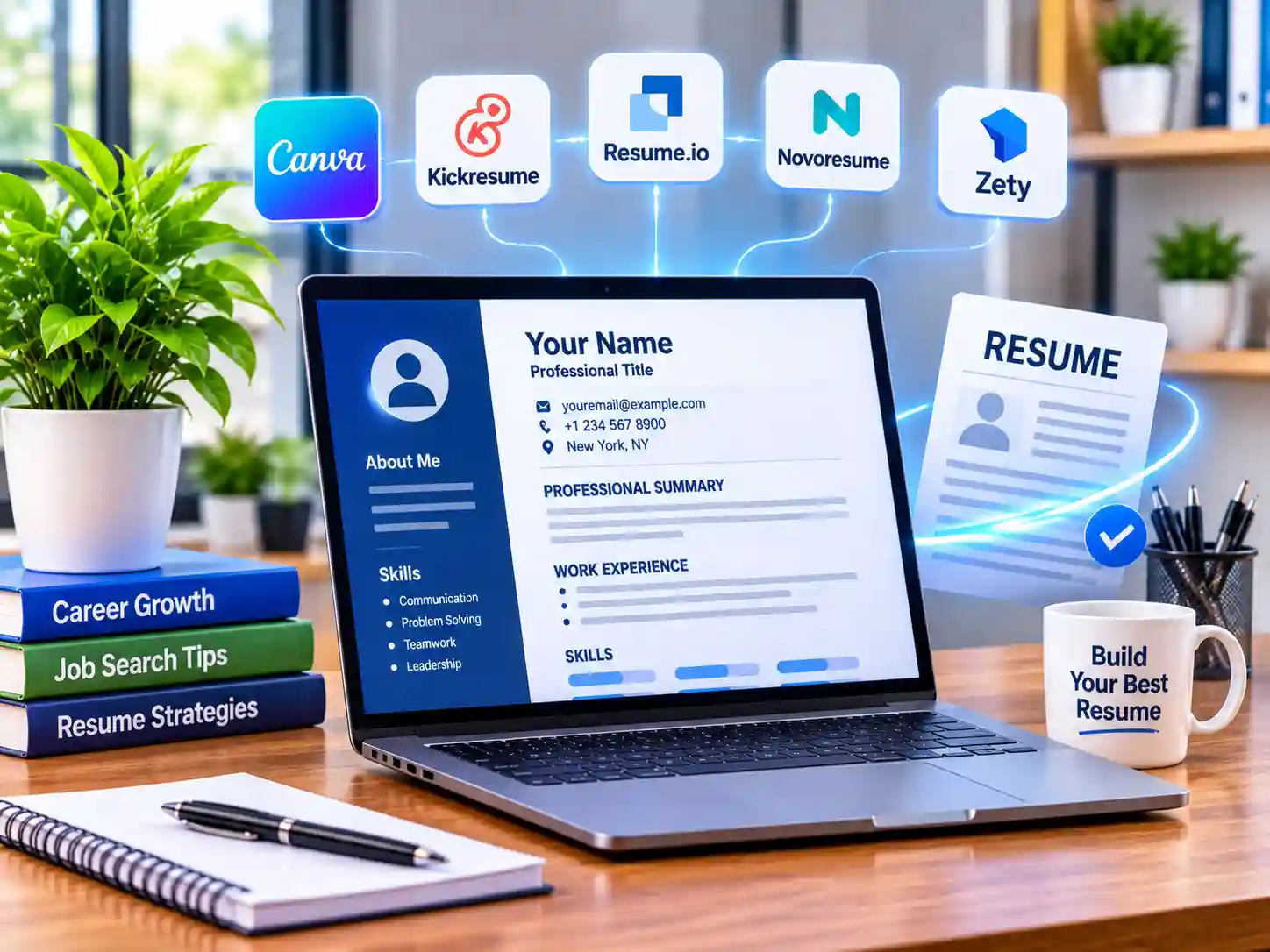
AI can make resume writing easier, especially if you are starting from scratch or applying for several roles. However, a tool cannot guarantee an interview or a job offer. Your experience, relevant skills, clear examples and the accuracy of your application still matter most.
We focus on each product's main use case rather than claiming that every tool has been independently tested. Features, free-plan limits and prices can change, so check the provider's official website before signing up.
Quick comparison: Best AI resume builders
| Tool | Best for | Key features |
|---|---|---|
| Teal | Managing a job search | Resume builder, job tracker, AI writing |
| Rezi | ATS-focused resumes | Resume writing, keyword guidance, scoring |
| Kickresume | AI-assisted resume drafts | Writing assistance, templates, cover letters |
| Jobscan | Matching a resume to a job | Resume analysis, keyword matching |
| Enhancv | Polished visual resumes | Templates, content suggestions, design |
| Resume.io | Building a resume quickly | Templates, guided sections, document export |
| Resume Worded | Improving an existing resume | Resume feedback, LinkedIn profile guidance |
| Canva | Design-led resumes | Visual templates, design tools, AI features |
| Huntr | Organizing applications | Job tracking, resume tools, application management |
| Zety | Guided resume creation | Structured templates, writing prompts |
Our practical starting point: Consider Teal if you want to organize your applications, Rezi if ATS-friendly formatting is a priority and Kickresume if you need help drafting resume content. The right choice depends on your needs and budget.
What is an AI resume builder?
An AI resume builder is an online tool that helps create or improve a resume using writing assistance, structured templates, and sometimes job-description analysis. Depending on the product, it may suggest professional summaries, rewrite work experience, highlight relevant skills, or help manage job applications.
Some tools concentrate on document design, while others focus on matching resume content to a specific job. These are different tasks, so compare the features you actually need instead of relying on a single score or a claim that a resume will “beat the ATS.”
10 best AI resume builders
1. Teal — Best for organizing your job search
Teal combines resume-building features with job-search organization. It can help you manage applications, keep track of opportunities and adapt resume content for different roles. Having these tasks in one place can be useful when you are applying regularly.
Best for: Job seekers who want a resume tool and an application tracker together.
Consider: Review the current limits on AI features and paid plans. You may not need a subscription if you only want to create one resume.
2. Rezi — Best for ATS-focused resumes
Rezi focuses on structured resume writing, job-related keywords and formatting intended to be easier for applicant tracking systems (ATS) to read. It can help you turn rough notes into clearer experience statements and review how closely your resume matches a target role.
Best for: Applicants targeting corporate, technical and other roles where straightforward resume structure is important.
Consider: Treat any score as guidance, not a prediction of an employer's decision. Keep your content accurate and use a simple layout for applications that require easy parsing.
3. Kickresume — Best for getting a first draft
Kickresume offers resume and cover-letter creation features, templates and AI-assisted writing. It can be especially helpful if you find it difficult to describe your work experience in concise, professional language.
Best for: Students, recent graduates and professionals who need help getting started.
Consider: Edit generated text carefully. A polished sentence is not useful if it exaggerates your responsibilities or claims results you cannot support.
4. Jobscan — Best for job-description matching
Jobscan is known for analyzing resume content against a particular job description. Its keyword and matching guidance can help identify relevant skills or requirements that your current resume does not communicate clearly.
Best for: People who already have a resume and want to review how well it aligns with a specific vacancy.
Consider: Do not add every keyword simply to improve a match score. Include a skill only when it genuinely reflects your experience and read the complete job requirements yourself.
5. Enhancv — Best for design-conscious resumes
Enhancv provides resume templates and tools intended to help users present their background clearly and professionally. It may suit applicants who want more control over the visual presentation of their career history.
Best for: Professionals who want a polished layout and a more personalized presentation.
Consider: A visually attractive design is not always the best choice for automated screening. Keep a simple, single-column version available for employers that prefer conventional formatting.
6. Resume.io — Best for a guided resume-building process
Resume.io guides users through resume sections and offers templates to help assemble a professional document. A guided workflow can be useful if you are unsure which sections to include or how to organize your information.
Best for: Beginners who want a structured process for creating a resume.
Consider: Before entering payment details, check the current download restrictions, trial length, renewal price, and cancellation terms.
7. Resume Worded — Best for improving an existing resume
Resume Worded provides feedback intended to help users improve resume bullet points, communicate achievements and strengthen their professional profile. It can be useful when you already have a draft but are unsure whether it communicates your impact effectively.
Best for: Applicants who want structured feedback on an existing resume or LinkedIn profile.
Consider: Use feedback as a starting point. Your actual responsibilities and measurable achievements should guide every edit.
8. Canva — Best for creative resume designs
Canva offers visual design tools and resume templates. It is useful for controlling typography, spacing, colors and overall presentation, particularly when design is relevant to the role.
Best for: Creative professionals and applicants who want greater visual control over their documents.
Consider: Avoid unnecessary icons, graphics, complex columns and decorative elements when applying through systems that may struggle to extract text from heavily designed documents. Test that the exported PDF has selectable, readable text.
9. Huntr — Best for tracking applications
Huntr brings job-search organization together with resume-related tools. It can help you keep notes about vacancies, manage application progress and organize the documents you use for different roles.
Best for: Applicants managing multiple opportunities at the same time.
Consider: Check which features are included in the current free plan and which require a paid subscription.
10. Zety — Best for guided resume creation
Zety provides resume templates and guided writing assistance for people who want help arranging their work history, education and skills. A structured builder can make the first draft less intimidating.
Best for: People who prefer prompts and a step-by-step resume creation process.
Consider: Review the current terms before paying, especially the cost of downloads, trial conditions and recurring billing.
How to choose the right AI resume builder
The best tool is the one that solves your particular problem without making the application more complicated. Use these questions to narrow down your options.
- Do you need a first draft? Choose a tool with guided writing and bullet-point suggestions.
- Do you already have a resume? Consider a resume-review or job-description matching tool.
- Are you applying to many roles? A job tracker can help you manage deadlines, contacts and application status.
- Does the role require a traditional format? Prefer a clean layout with standard headings and selectable text.
- Are you working with a limited budget? Check what you can create and download before committing to a plan.
- Will you upload personal information? Read the provider's privacy policy and understand how uploaded documents may be stored or processed.
How to create a better resume with AI
- Collect your real experience. List your job titles, responsibilities, projects, education, certifications, and achievements.
- Choose a relevant job description. Identify the required skills, responsibilities and qualifications for the role you want.
- Draft your content. Use an AI tool to improve clarity, structure and professional wording without inventing new experience.
- Tailor the resume. Highlight the genuine skills and achievements most relevant to the specific vacancy.
- Check the format. Use clear section headings, readable fonts, consistent dates and a sensible document structure.
- Proofread everything. Check names, dates, qualifications, links, spelling and every claim suggested by AI.
- Review the final export. Open the downloaded file and make sure the text is readable, complete and correctly formatted.
A useful AI prompt for resume writing
You can use the following prompt with a general-purpose AI assistant to improve your existing resume content.
Act as a professional resume editor. Improve the clarity and relevance of my resume for the job description below. Use concise, professional language and strong action verbs. Highlight only the skills and experience that I have genuinely provided. Do not invent job duties, qualifications, employers, dates, metrics, or achievements. If important information is missing, ask me questions instead of making assumptions. Keep the final resume easy to read and suitable for a conventional applicant tracking system.My existing resume: [Paste your resume]
Target job description: [Paste the job description]
Remove sensitive personal information before pasting your resume into an AI service if you do not need to share it. Review the provider's privacy and data-handling terms before uploading documents.
ATS-friendly resume tips
Applicant tracking systems help employers collect and organize job applications. Different employers use different systems and settings, so no resume builder can guarantee that a particular document will pass every screening process.
- Use conventional headings such as Work Experience, Education, and Skills.
- Use a simple, readable layout unless the employer specifies otherwise.
- Include relevant job-description terms naturally and accurately.
- Use consistent job titles, dates and formatting.
- Follow the employer's instructions for file type and submission.
- Keep important information in the main document text rather than relying on graphics.
- Never add skills or qualifications you do not have to improve a matching score.
Common mistakes to avoid
- Trusting every AI suggestion: Generated text can sound convincing while being inaccurate.
- Keyword stuffing: Repeating job-description terms unnaturally can make your resume harder to read.
- Using the same resume for every role: Adapt relevant details to each opportunity while keeping the facts consistent.
- Choosing design over readability: A decorative template may distract from your qualifications or complicate text extraction.
- Ignoring subscription terms: Check renewal charges, download limits and cancellation requirements before purchasing.
- Sharing unnecessary personal data: Avoid uploading sensitive details unless they are needed and you understand how the service handles them.
Frequently asked questions
What is the best AI resume builder in 2026?
There is no single best option for everyone. Teal is worth considering for job-search organization, Rezi for ATS-focused formatting, Kickresume for AI-assisted drafting and Jobscan for checking alignment with a specific job description.
Can I create a resume with AI for free?
Some tools offer free plans or limited free features. The number of resumes, AI credits, templates and downloadable files may be restricted. Confirm the current terms on the official website before starting.
Will an AI resume builder guarantee that I pass an ATS?
No. Applicant tracking systems vary by employer and screening depends on more than formatting or keywords. A clear, relevant, accurate resume can help present your qualifications, but no tool can guarantee a particular screening result.
Is it acceptable to use AI to write a resume?
AI can help with organization, editing and wording. You remain responsible for checking every statement and ensuring that your qualifications, experience and achievements are truthful.
Should I use a designed resume or a simple resume?
Choose a format suited to the role and application process. A simple, single-column resume is a sensible default for many conventional applications. A more visual design may be suitable for some creative roles, but keep readability and text extraction in mind.
Is it safe to upload my resume to an AI website?
It depends on the service and its data practices. Review its privacy policy, retention settings and terms for handling uploaded information. Avoid sharing sensitive details that are not necessary for the task.
Final verdict
AI resume builders can reduce the time spent drafting and formatting applications, but the tool should support your judgment rather than replace it. Start with your real experience, select a tool that fits your workflow and tailor the finished resume to each position.
If you are unsure where to start, try a free tier first. Compare the quality of the output, the ease of editing, the download options and the privacy terms before paying for additional features.
Editorial note: AI Tools Hub provides informational comparisons. Product features, availability and pricing may change. Confirm details with the official provider. This article does not guarantee interviews, employment, or ATS approval.